Time Blocking Method: Plan Your Day for Maximum Focus

I used to start every workday by opening my laptop, staring at a to-do list of 15 items, and feeling immediately overwhelmed. I would bounce between tasks, answer emails in between, check Slack constantly, and by 5 PM I had been “busy” all day but finished almost nothing meaningful. A study by the American Psychological Association found that switching between tasks can reduce productive time by up to 40%. I was living proof of that statistic.
Then I discovered the time blocking method. The concept is simple. Instead of working from a to-do list, you assign every task a specific time slot on your calendar. Every hour of your workday has a job. After two weeks of time blocking, I went from completing 3 to 4 meaningful tasks per day to finishing 6 to 8. Here’s exactly how I set up my time blocking system and how you can plan your day the same way.
Does Time Blocking Actually Improve Productivity?
Yes. Time blocking works because it eliminates two major productivity killers: decision fatigue and context switching. Research from the University of California, Irvine found that it takes an average of 23 minutes and 15 seconds to refocus after an interruption. Time blocking minimizes interruptions by dedicating unbroken stretches to single tasks. Cal Newport, a Georgetown University computer science professor and author of Deep Work, credits time blocking as the primary method behind his academic publishing productivity. The method forces intentionality about how you spend each hour.
Step 1: Track How You Currently Spend Your Time
Before building your time blocking schedule, you need to know where your time actually goes. For one week, track what you do in 30-minute increments. Use a notebook, spreadsheet, or an app like Toggl (free version).
When I did this exercise, the results surprised me. I thought I spent about 2 hours per day on email. The actual number was 3 hours and 40 minutes. I thought I had 5 hours of focused work time. I had 2 hours and 15 minutes. The rest was scattered between meetings, Slack messages, social media checks, and what I call “productive procrastination,” which is doing easy, low-value tasks to avoid the hard, important ones.
What to look for in your time audit:
- How many hours do you actually spend on focused work?
- When is your energy highest? (Morning, midday, afternoon?)
- What are your biggest time wasters?
- How many times per day do you switch between tasks?
- When do interruptions happen most frequently?
This data becomes the foundation of your time blocking schedule. My audit revealed that my peak focus hours were 9 AM to 11:30 AM, and I was wasting them on email and admin tasks. That insight alone was worth the tracking exercise.
Step 2: Identify Your Task Categories
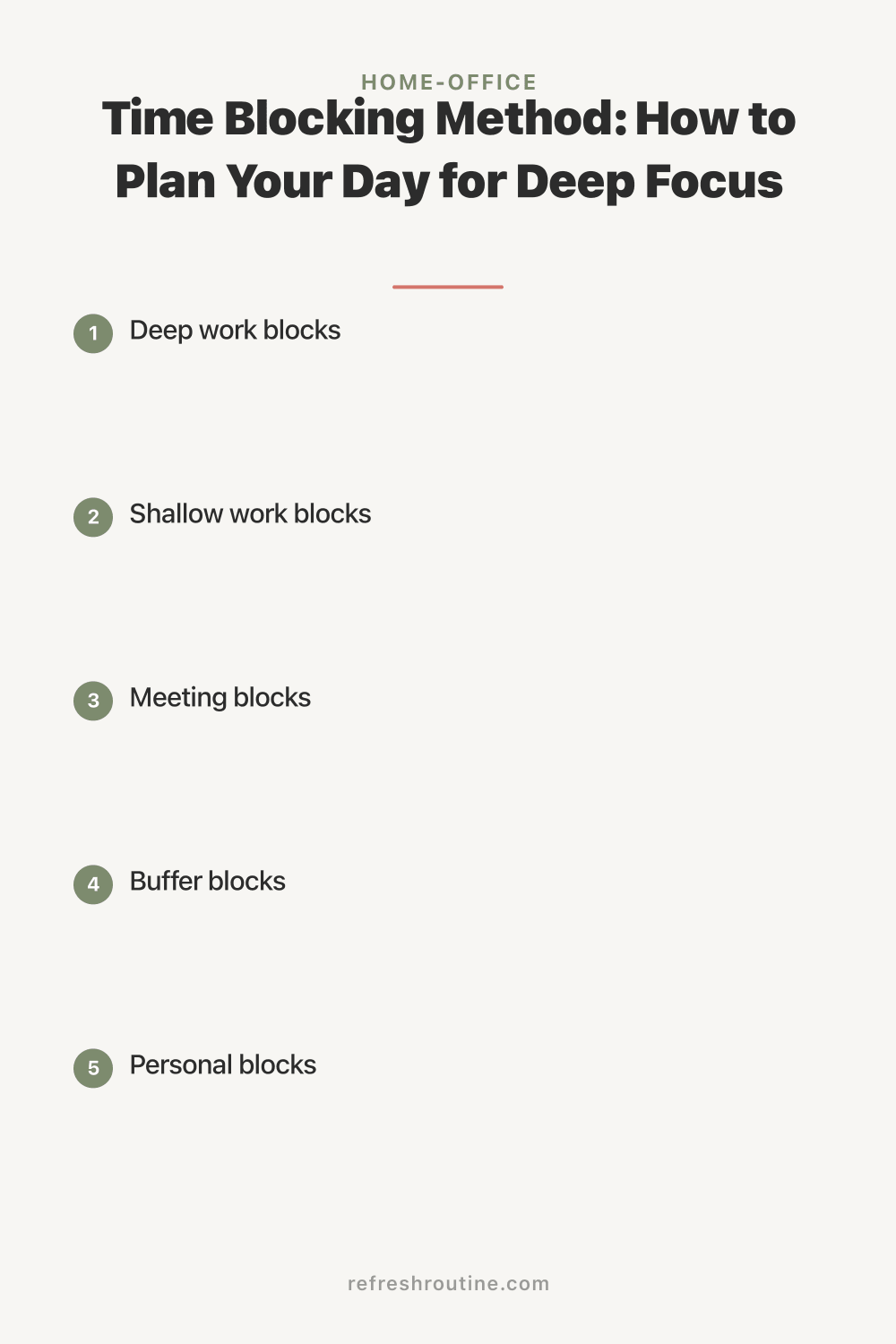
Time blocking works best when you group similar tasks into categories rather than scheduling individual tasks. Here are the categories I use:
- Deep work blocks. Tasks requiring concentration: writing, analysis, strategy, creative projects. These get your peak energy hours
- Shallow work blocks. Email, Slack, administrative tasks, scheduling, data entry. These go in lower-energy time slots
- Meeting blocks. Group meetings together when possible to avoid fragmenting your day
- Buffer blocks. Open 15 to 30 minute slots between major blocks for overflow, unexpected tasks, or short breaks
- Personal blocks. Lunch, exercise, school pickup, errands. These are non-negotiable and get scheduled first
I learned from my project management career that categorizing work before scheduling it prevents the common mistake of treating all tasks as equal. A 30-minute email session and a 90-minute writing session require completely different mental energy. Your schedule should reflect that.
Step 3: Build Your Daily Time Blocking Template
Here is the daily template I use. Yours will look different based on your work hours, family schedule, and energy patterns, but the structure applies universally.
My time blocking template (work-from-home schedule):
- 7:00 to 8:00 AM: Morning routine (personal block, non-negotiable)
- 8:00 to 8:30 AM: Daily planning and inbox review (shallow work)
- 8:30 to 10:00 AM: Deep work block 1 (most important task of the day)
- 10:00 to 10:15 AM: Buffer/break
- 10:15 to 11:45 AM: Deep work block 2 (second priority task)
- 11:45 AM to 12:00 PM: Email and Slack catch-up (shallow work)
- 12:00 to 12:45 PM: Lunch (personal block)
- 12:45 to 1:30 PM: Meetings or collaborative work
- 1:30 to 1:45 PM: Buffer/break
- 1:45 to 3:00 PM: Deep work block 3 (creative or analytical work)
- 3:00 to 3:30 PM: Email, Slack, and admin tasks (shallow work)
- 3:30 to 4:00 PM: End-of-day review and tomorrow’s planning
Total deep work: 4 hours. That might sound low, but research suggests that most knowledge workers can sustain only 3 to 4 hours of truly focused cognitive work per day. The rest of the workday is better spent on communication, administrative tasks, and planning. Before time blocking, I had 2 hours of fragmented deep work. Consolidating it into dedicated blocks nearly doubled my output.
Step 4: Protect Your Deep Work Blocks
The deep work blocks are sacred. They only work if you defend them against interruptions. Here is how I protect mine:
- Close email and Slack during deep work. Completely. Not minimized, closed
- Put my phone in another room. Not face down on the desk. In another room
- Use a visual signal. I hang a small “do not disturb” sign on my office door. My kids know this means Mom is in focus mode
- Set a timer. I use a simple kitchen timer set for the block length. When it rings, I stop, even if I’m mid-flow. This prevents deep work from expanding into time reserved for other tasks
The phone-in-another-room habit was the hardest to build but had the biggest impact. A study from the University of Texas at Austin found that the mere presence of a smartphone reduces available cognitive capacity, even when the phone is face down and silent. Having it in the room was costing me brainpower I didn’t know I was losing.
This is closely connected to having an organized workspace. When my desk is cluttered, I get distracted by physical objects too. Our desk organization guide covers how to set up a distraction-free work surface that supports deep focus.
How Should Beginners Start With Time Blocking?
Start by blocking just your top three tasks into your calendar tomorrow morning. Assign each one a specific start time and duration. Leave the rest of your day unstructured. After a week of blocking three tasks, expand to a full daily template. Most beginners fail by trying to block every minute of their day on day one. That is too rigid and leads to frustration when reality doesn’t match the plan. Build gradually and leave generous buffer time between blocks.
Step 5: Use the Right Tools
You don’t need a special app for time blocking. Here are the tools that work:
Digital calendars (free, recommended for most people): Google Calendar is my primary tool. I color-code blocks by category: blue for deep work, green for personal, yellow for meetings, gray for shallow work. Creating a block takes 10 seconds. I can drag and rearrange blocks when my day shifts.
Paper planners ($15 to $30): Some people think better on paper. A daily schedule planner with hourly time slots works perfectly for time blocking. The Full Focus Planner and the Clever Fox Planner both have layouts designed for this method. I tried paper for a month and went back to digital because I needed the flexibility to rearrange blocks.
Time blocking apps: Apps like Sunsama ($14.99/month) and Reclaim AI (free tier available) integrate with your task manager and automatically suggest time blocks based on your priorities and calendar availability. These are useful if you have many meetings that shift frequently.
My recommendation: Start with Google Calendar or whatever calendar app you already use. Add a new tool only if you identify a specific limitation. I tried three different time blocking apps before realizing my plain Google Calendar did everything I needed.
Step 6: Handle Interruptions and Flexibility
No time blocking system survives contact with real life without flexibility. Kids get sick. Urgent requests come in. Meetings run long. Here is how I handle it:
Build in buffer blocks. I schedule three 15-minute buffers throughout the day. If a deep work block runs over, the buffer absorbs the overflow. If nothing overflows, I use the buffer for a quick walk or a snack.
Have a “flex block” each day. One 30-minute block in the afternoon is intentionally unscheduled. It catches whatever unexpected task came up that day. If nothing unexpected happens (rare, but it occurs), I use it for tomorrow’s planning.
Rearrange, don’t abandon. When an interruption breaks a deep work block, I don’t scrap the whole schedule. I move the remaining deep work to the flex block or swap it with a shallow work block later in the day. The schedule adapts. It doesn’t break.
I used to abandon my schedule entirely if one block got disrupted. That perfectionist approach meant I followed my time blocking plan about three days a week. Once I built in buffer and flex blocks, my adherence jumped to five out of five days. If you’re building a complete work-from-home routine, combining time blocking with start-up and shut-down rituals makes the whole system more resilient.
Step 7: The Weekly Planning Session
Time blocking works day to day, but it needs a weekly planning session to stay aligned with your bigger priorities. Every Sunday evening, I spend 20 minutes planning the week ahead.
My weekly planning process:
- Review last week. What got done? What rolled over?
- Identify the top 3 priorities for the coming week
- Assign each priority to specific deep work blocks on specific days
- Schedule all known meetings and appointments
- Block personal commitments (school events, appointments, workouts)
- Fill remaining time with secondary tasks and admin work
This weekly habit ensures my most important work gets the best time slots before anything else fills the calendar. Without it, I would block time for deep work on Monday morning and then discover I had a meeting scheduled that I forgot about. The Sunday planning session catches those conflicts in advance.
What I Wish I Knew About Time Blocking
These are the insights I gained after eight months of daily time blocking.
Your first week will feel weird. Scheduling every hour feels rigid and unnatural at first. Stick with it for at least two weeks before deciding it’s not for you. The rhythm clicks around day 8 to 10. My first three days were uncomfortable, but by the end of week two, I couldn’t imagine working without it.
Estimate tasks at 1.5x the time you think they’ll take. I consistently underestimated how long tasks would take during my first month. A “30-minute” report actually took 50 minutes. Adding a 50% buffer to my estimates solved the cascading schedule disruptions that happened when one task ran long.
Batch similar shallow tasks. Instead of checking email five times a day for 10 minutes each, I batch it into two 25-minute blocks. Same total time, but far less context switching. I apply the same batching to Slack messages, phone calls, and administrative work. This connects to the same home office organization principle of grouping similar items together.
The end-of-day review is not optional. Spending 5 minutes at the end of each day reviewing what you accomplished and planning tomorrow’s blocks makes the next morning significantly smoother. I tried skipping this step for a week and my mornings became chaotic again. Now it’s as routine as my desk reset habit.
Block personal time first. Lunch, exercise, school pickup. These go on the calendar before any work tasks. If you don’t protect personal time, work expands to fill every available hour. I learned this after skipping lunch for three weeks straight because “I was on a roll.” The burnout that followed was not worth it.
Key Takeaway
The time blocking method transforms your workday by assigning every task a specific time slot on your calendar, eliminating the decision fatigue of to-do lists and the productivity loss of constant context switching. Start by tracking your time for a week, then build a daily template with dedicated deep work blocks during your peak energy hours. Protect those blocks by closing email and removing your phone. Build in buffer and flex blocks to handle interruptions. Plan your week every Sunday evening. The system takes about two weeks to feel natural, and the result is roughly double the focused output from the same number of work hours.
For more productivity strategies, explore our complete home office organization guide or learn how to build a full work-from-home routine that pairs time blocking with daily rituals for maximum focus.

Frequently Asked Questions
What is the time blocking method?
Time blocking is a scheduling method where you divide your day into specific blocks of time, each dedicated to one task or type of work. Instead of a to-do list, every task gets a scheduled start and end time on your calendar. This eliminates decision fatigue about what to work on next.
How long should time blocks be?
Most people work best with blocks of 60 to 90 minutes for focused work, followed by 10 to 15 minute breaks. Start with 45-minute blocks if you are new to time blocking. Shorter tasks can be batched into 30-minute blocks. Adjust block length based on your attention span and task complexity.
Does time blocking work for people with unpredictable schedules?
Yes, but you need buffer blocks. Schedule 30-minute open blocks between major tasks to absorb interruptions and overflow. Block your most important work during your most predictable hours. Even blocking 3 to 4 hours of focused time can dramatically improve productivity in an otherwise chaotic day.