Office for Two: Sharing a Home Office Without Conflict

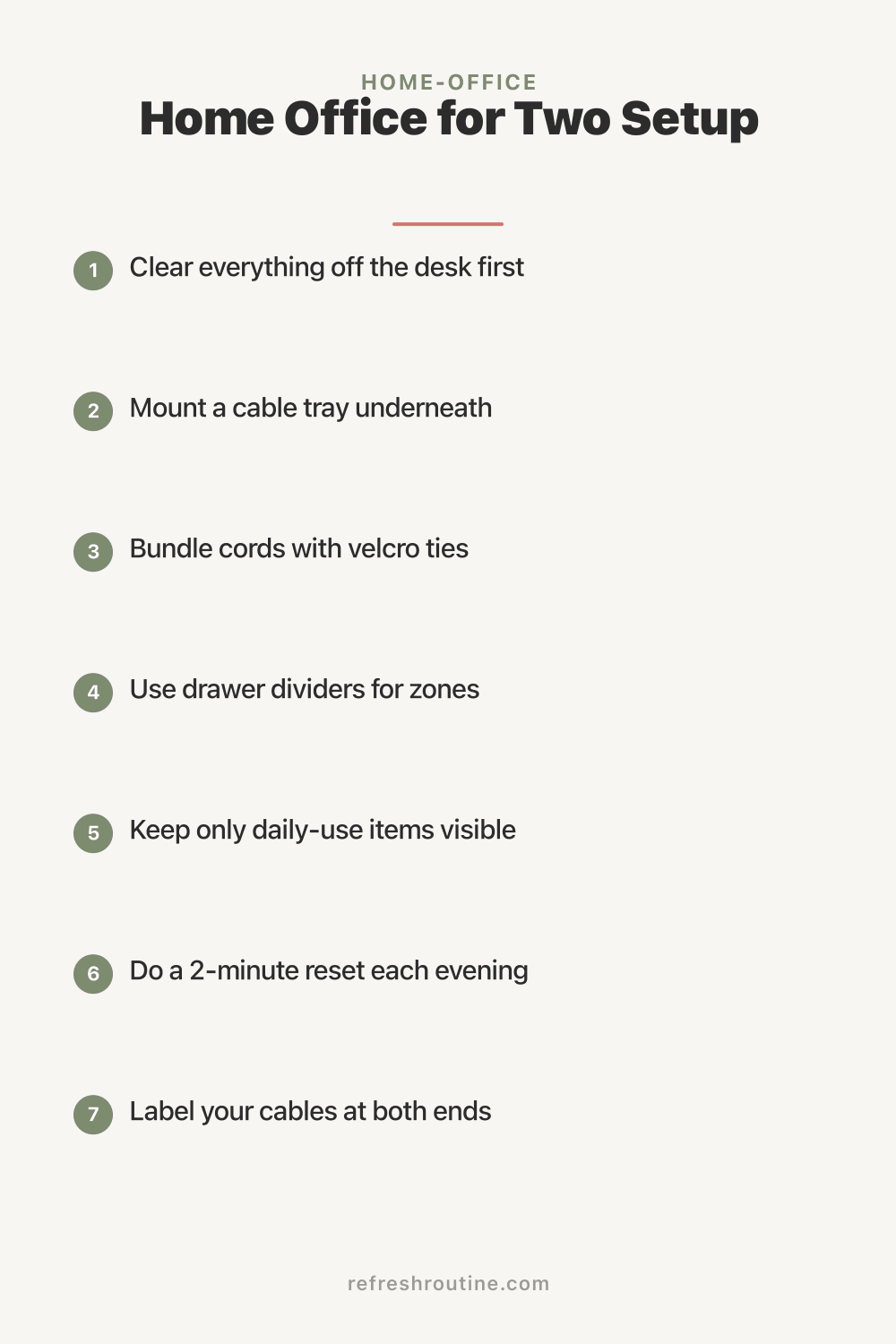
When my husband started working from home permanently in 2026, our spare bedroom became a two-person office. Within 3 weeks, we had our first fight over conflicting video calls, mismatched temperature preferences, and one of us “interrupting” the other.
We rebuilt the office for collaboration without conflict. Now the same space hosts two productive workdays. Here is the complete office-for-two setup.
Why Two-Person Offices Are Tricky
Sharing a workspace creates challenges:
- Different work styles: One quiet, one talkative
- Conflicting schedules: Meetings overlap
- Temperature preferences: One hot, one cold
- Noise sensitivity: Different tolerance
- Personal space: Each person needs psychological space
According to a survey by Owl Labs, 60% of couples sharing home offices report conflicts, with the main causes being noise, scheduling, and feeling crowded.
What Is the Best Two-Person Office Layout?
The best two-person office layout has separate workspaces with clear boundaries, parallel or perpendicular desks (avoiding direct face-to-face), individual storage, and shared resources only for specific items. Each person should feel they have their own zone within the shared space.
Layout Options
Side-by-Side (Parallel)
Both desks against same wall:
Pros:
- Simple setup
- Symmetric
- Easy to maintain
- Saves wall space
Cons:
- Backs facing room
- Less privacy
- Easy to interrupt
Best for: Couples with similar work styles
Back-to-Back
Desks facing opposite walls:
Pros:
- Privacy
- No accidental face contact
- Different lighting options
- Personal space
Cons:
- Reduced communication
- Larger room needed
- Cable management complex
Best for: Couples with different work styles
L-Shape
Two perpendicular workspaces:
Pros:
- Each has corner privacy
- Different directions
- Smaller room friendly
Cons:
- Tighter feel
- Communication awkward angle
Best for: Medium-sized rooms
Front-to-Back
Desks at opposite ends, facing in:
Pros:
- Long room friendly
- Separation
- Less direct interaction
Cons:
- One person facing other
- Privacy issues
Best for: Long narrow rooms
Diagonal
Desks at angles in corners:
Pros:
- Creative use of space
- Each person has corner
- Privacy
Cons:
- Awkward room layout
- Wasted space
Best for: Rooms with awkward shapes
What I Wish I Knew About Sharing Office
After 3 years sharing with my husband, here is what helped most.
Separate desks, not shared. Two desks > one big desk. Each person has their space.
Headphones save marriages. Quality noise-canceling headphones eliminate 80% of conflicts.
Schedule video calls. We coordinate calendars now. No accidental overlaps.
Temperature compromise. We chose 70°F (compromise from his 65 and my 75). Both wear layers.
Door signs work. “On call” sign means do not enter. Closed door means generally available but quiet.
How Do You Set Up a Two-Person Office?
Set up a two-person office with: defined zones for each person (own desk and storage), considered furniture placement (parallel, perpendicular, or facing different directions), shared resources managed by schedule, sound mitigation (headphones, white noise), and communication boundaries (do not disturb cues, scheduled check-ins). The setup requires negotiation but enables both people to work productively.
Setting Up the Space
Step 1: Assess the Room
Measure:
- Room dimensions
- Outlet locations
- Window positions
- Door swing
- HVAC vents
Step 2: Discuss Needs
Each person:
- Work hours
- Call frequency
- Storage needs
- Temperature preference
- Light preference
- Personality (introvert/extrovert)
Step 3: Choose Layout
Match layout to needs. Consider:
- Privacy required
- Communication wanted
- Room shape
- Furniture available
Step 4: Buy or Repurpose Furniture
For each person:
- Quality desk
- Ergonomic chair
- Monitor at eye level
- Personal storage
- Cable management
For more, see our WFH productive setup and desk organization guides.
Step 5: Establish Rules
Together:
- Quiet hours for focus
- Call schedule sharing
- Temperature compromise
- Cleaning responsibilities
- Visitor policy
Step 6: Maintain and Adjust
After 30 days:
- What works?
- What causes friction?
- How to improve?
- Adjust as needed
Essential Equipment for Two
Noise Mitigation
- Quality headphones (each)
- White noise machine
- Sound-dampening panels
- Heavy curtains
Communication
- Calendar sharing
- Quick chat app (Slack between you)
- Schedule discussion time
- Body language signals
Comfort
- Individual thermostats (if possible)
- Layers (sweaters, fans)
- Personal lighting
- Comfortable chairs
Visual
- Plants
- Personal artwork
- Decorative items
- Different aesthetic per person
Time Management
For shared offices:
Schedule sync: Daily 5-minute review
Call coordination: Block out video meetings
Quiet blocks: Designated focus time
Lunch together: Or separate, both work
End-of-day: Mutual check-in
Communication Strategies
In shared space:
Do not disturb signals: Physical or visual cues
Brief check-ins: Not interrupt every thought
Schedule discussions: For complex topics
Respect focus: Acknowledge concentration
Address conflicts: Don’t let them fester
Common Two-Person Office Mistakes
After 3 years and helping friends with theirs:
Mistake 1: One person dominates space. Inequality breeds resentment.
Mistake 2: Sharing one desk. Conflicts over surface, storage, equipment.
Mistake 3: No quiet rules. Constant interruption.
Mistake 4: Temperature conflicts. Daily friction.
Mistake 5: No personal touches. Office feels institutional.
For more workspace ideas, see our small home office, WFH routine, and cable management guides.
Decor and Aesthetics
Two people, often different tastes:
Compromise on aesthetic: Both styles incorporated
Personal zones: Each person decorates their area
Neutral common space: Center of room more neutral
Plants: Universal calming element
Color: Choose 1 or 2 anchor colors both agree on
Storage Strategy
Two-person storage:
Personal storage per desk: Own drawers, shelves
Shared shelf for common items: Reference books, supplies
Color-coded: Easy to identify whose
Backup supplies: One shared, then refill each personal
For office supply organization, see our office supplies organization guide.
Specific Profession Considerations
Both Phone-Heavy
Both have many calls:
- Schedule calls
- Use separate quiet hours
- Quality headsets
- Sound-dampening
One Quiet, One Calls
- One zone quieter
- Headphones for caller
- Quiet hours for focus worker
Both Creative Work
- Visual collaboration
- Larger desks for materials
- Inspiration boards
- More natural light
Both Coding/Technical
- Multiple monitors per person
- Quality keyboards
- Comfortable chairs (long sessions)
- Quiet space
Children Considerations
If kids occasionally come in:
Designated “no kid” zones: One desk has limit
Kid-friendly area: For supervised play
Schedule transitions: Kids in/out of office
Family-friendly limits: Some hours kids welcome
For family approaches, see our WFH routine guide.
Privacy Needs
Within shared space:
Visual privacy: Plants, panels, screens
Audio privacy: Headphones, sound dampening
Conversation privacy: Schedule calls outside
Personal space: Designated areas
Routines and Boundaries
For long-term success:
Daily standup: 5-minute morning sync Lunch tradition: Together or apart, consistent End-of-day: Mutual closeout Weekly review: What’s working, what’s not
Conflict Resolution
Conflicts will happen:
Address quickly: Don’t fester Stick to issues: Not personal attacks Compromise: Both adjust Reset: Forgive and move forward Outside help: Couples counselor if needed
For decluttering aspects (when shared space gets cluttered), see our decluttering for two approach.
Investment Strategy
Initial setup for two-person office:
Minimum ($500 to $1,000):
- Two basic desks
- Two basic chairs
- Two monitor arms
- Basic storage
- Headphones
Mid-range ($1,500 to $3,000):
- Quality desks
- Mid-range chairs
- Quality monitor setup
- Better storage
- Premium headphones
Premium ($3,000 to $7,000+):
- Top-tier desks
- Premium chairs
- Best monitors
- Custom storage
- Acoustic treatment
Key Takeaway
Sharing a home office requires clear setup and communication. Each person needs their own desk, storage, and zone. Layout depends on room shape and work styles (side-by-side, back-to-back, L-shape, etc.). Sound mitigation through quality headphones and white noise prevents most conflicts. Schedule sharing prevents call conflicts. Temperature and lighting compromises are necessary. Most importantly, address conflicts quickly rather than letting them fester. Total investment for two-person office: $500 to $5,000 depending on quality. The setup takes negotiation but enables two productive workdays in shared space.
For more office tips, see our WFH productive setup, desk organization, small home office, and WFH routine guides.

Frequently Asked Questions
How do you share a home office with someone?
Share a home office through clear boundaries: separate workspaces in same room, defined work hours, scheduling shared resources (phone calls, video meetings), noise management (headphones, white noise), and respect for each other's focus needs. The goal is two productive work zones in one space.
What is the best layout for two-person office?
Best layouts for two-person office: side-by-side (parallel desks against same wall), back-to-back (facing opposite walls), L-shape (perpendicular workspaces), or front-to-back (desks facing different directions). Choose based on room shape, lighting, and personal preferences.
How do you avoid distractions in shared office?
Avoid distractions in shared office through quality noise-canceling headphones, scheduling video calls during quieter times, using visual cues (do not disturb signs, headphones-up signaling), maintaining separate desks (not sharing one), and respecting each other's focus periods.