WFH Productive Setup: The Office That Actually Works
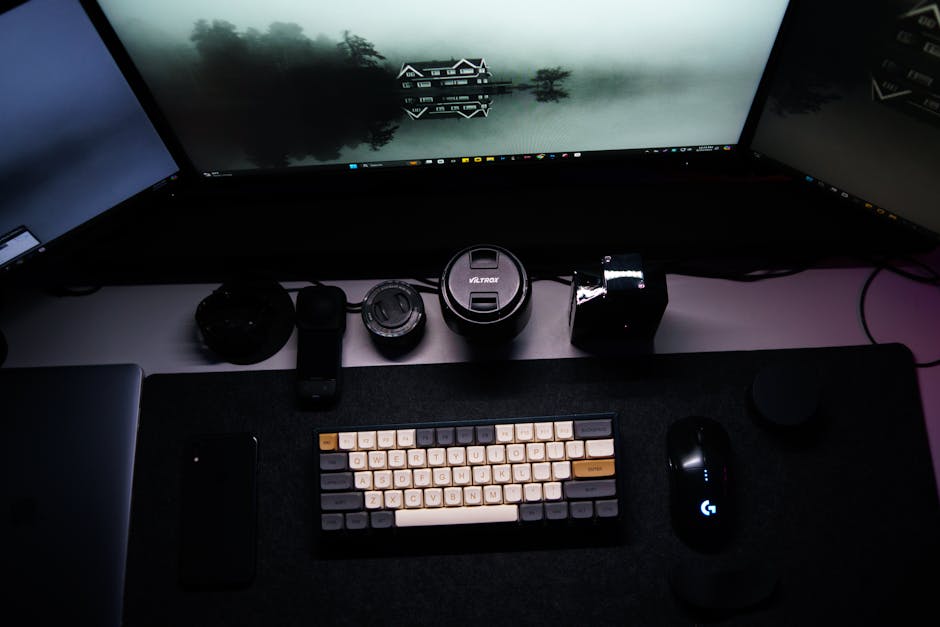
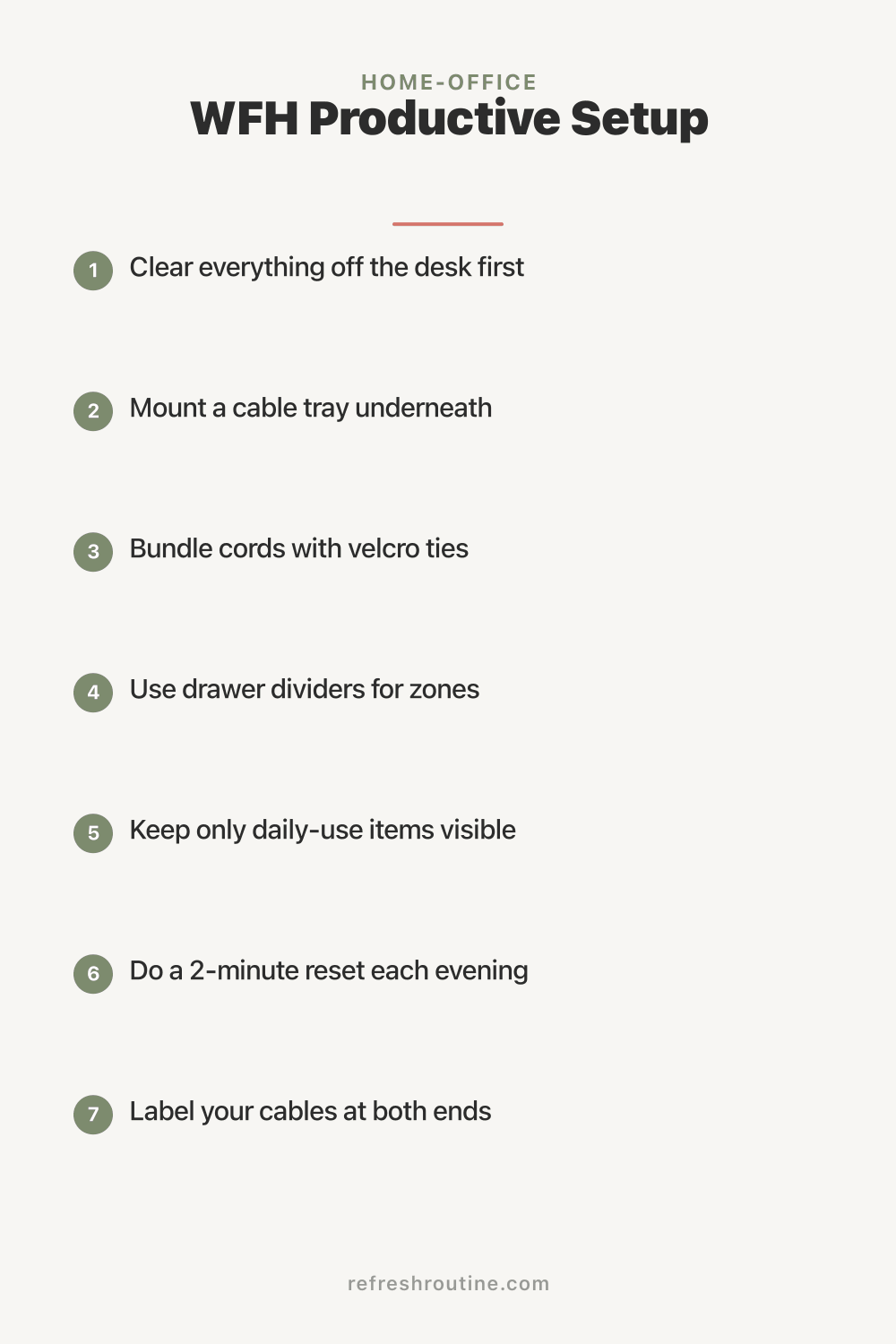
For my first year of WFH, I worked at the dining table. My laptop ran hot, my back hurt, the kids walked through to grab snacks, and I told myself I was being productive. I was not.
The transformation came from building a real office setup. Same room as the dining table, but designed specifically for work. Productivity tripled. Here is the complete WFH setup that finally worked.
Why WFH Setup Matters
A productive setup affects:
- Focus: Right environment supports concentration
- Physical health: Ergonomic setup prevents pain
- Mental health: Clear work-life boundaries
- Quality of work: Better tools enable better output
- Sustainability: Bad setups cause burnout
- Family relationships: Reduced friction with cohabitants
According to research from Stanford University, people with proper WFH setups report 40% higher productivity and 60% higher work satisfaction than those without.
What Are the Essential Elements of a WFH Setup?
The essential WFH elements are: dedicated workspace (separation from rest of life), proper ergonomic desk and chair, monitor at eye level, good lighting (not just one bulb), comfortable seating, fast internet, basic storage, and quality input devices (keyboard and mouse). The total investment for proper setup: $300 to $1,500 depending on tier.
The Productive WFH Setup
Element 1: Dedicated Workspace
Why: Brain learns to associate the location with work
Options:
- Spare room (best)
- Walk-in closet (creative option)
- Corner of room with visual barrier
- Murphy desk in living area
- Garage conversion
Cost: Free (if room exists) to $5,000+ (renovation)
Element 2: Proper Desk
Requirements:
- 48+ inches wide (more if dual monitors)
- 24+ inches deep
- 28 to 30 inches high (for sitting)
- Adjustable height (ideal for standing alternative)
Cost:
- Basic: $100 to $200
- Mid-range: $200 to $500
- Premium: $500 to $1,500
- Custom built-in: $1,000 to $3,000
Element 3: Ergonomic Chair
Critical for:
- Back support
- Long sitting comfort
- Posture maintenance
- Reduced fatigue
Cost:
- Acceptable: $100 to $200
- Good: $200 to $500
- Premium: $500 to $1,500
The chair is where you spend 8 hours daily. Invest accordingly.
Element 4: Monitor at Eye Level
Setup:
- Top of monitor at eye level (slightly below)
- 20 to 30 inches from face
- Use monitor arm for adjustment
Cost:
- Monitor arm: $50 to $150
- Single monitor: Existing or $200 to $500
- Dual monitor: $100 to $300 additional
For more on this, see our cable management and standing desk organization guides.
Element 5: Good Lighting
Requirements:
- Adequate overhead light (5000K bright)
- Task lighting at desk
- Natural light if possible (window placement)
- No glare on screen
Cost:
- Overhead LED: $30 to $100
- Task lamp: $30 to $80
- Window adjustments: Free with positioning
Element 6: Quality Input Devices
Keyboard:
- Comfortable for typing
- Mechanical (premium) or standard
- Wireless for clean desk
- Cost: $30 to $200
Mouse:
- Ergonomic shape
- Wireless preferred
- Multiple buttons useful
- Cost: $20 to $100
Element 7: Internet and Power
Requirements:
- Fast, reliable internet (200+ Mbps)
- UPS for power backup
- Surge protector
- Multiple outlets at desk
Cost:
- Internet: $50 to $100/month
- UPS: $80 to $150
- Surge protector: $20 to $40
Element 8: Storage
Needed:
- File storage for active papers
- Office supplies organization
- Cable management
- Reference materials
For specific storage, see our office supplies organization guide.
What I Wish I Knew About WFH Setup
After 5 years of refining ours, here is what helped most.
Chair matters more than desk. I spent $400 on a chair and $200 on a desk. The chair was the right priority.
Lighting transformed quality. Adding proper overhead LED tripled my work quality. Eye strain disappeared.
Door (visual barrier) makes the office. Family knows: closed door means do not disturb. Open means available.
Cable management is sanity. Wireless everywhere, clean cable spine, no tangles. See our cable management guide.
Multiple monitors is reality, not luxury. For most office work, dual monitors increase productivity 30%. Worth the $100 to $300 investment.
How Do You Set Up an Ergonomic Workspace?
Set up an ergonomic workspace with: chair at correct height (feet flat on floor, knees at 90 degrees), monitor 20 to 30 inches from face with top at eye level, keyboard at elbow height (elbows at 90 degrees), wrists straight when typing, and movement breaks every 30 to 60 minutes. The setup matters more than expensive equipment.
Setup by Budget Tier
Budget Setup ($300 to $500)
- Used IKEA desk: $50 to $100
- Basic ergonomic chair: $100 to $200
- Monitor arm: $30 to $50
- Basic LED lamp: $30 to $50
- Existing computer setup
- Basic storage: $20 to $40
Quality: Adequate for early WFH
Mid-Range Setup ($600 to $1,500)
- Quality desk: $200 to $400
- Decent ergonomic chair: $300 to $500
- Quality monitor arm: $50 to $100
- LED lighting system: $80 to $150
- Comfortable keyboard and mouse: $80 to $150
- Cable management: $30 to $60
Quality: Sustainable for long-term
Premium Setup ($1,500 to $5,000+)
- Custom or premium desk: $400 to $1,500
- Top ergonomic chair: $500 to $1,500
- Multiple monitor arms with curved monitor: $200 to $500
- Premium lighting setup: $150 to $300
- Premium keyboard/mouse: $200 to $500
- Custom storage: $200 to $500
Quality: Optimal long-term
Workspace Layout
Compact Layout (Tiny Space)
- Desk against wall
- Monitor on monitor arm
- Storage on shelf above
- Filing in nearby cabinet
- Total footprint: 4x4 feet
For small space ideas, see our small home office guide.
Standard Layout (Spare Room)
- Desk facing window or wall
- Storage along one wall
- Reading chair in corner (optional)
- Plant for biophilic benefit
- Total footprint: 8x10 feet
Premium Layout (Dedicated Office)
- L-shaped or U-shaped desk
- Built-in storage along walls
- Conference area with chairs
- Plant collection
- Premium lighting
- Total footprint: 12x14 feet
Setting Up the Daily Routine
A productive setup needs a productive routine. See our WFH morning routine, WFH routine, and time blocking guides.
Key routine elements:
Pre-work: Get dressed (not pajamas), physical activity, breakfast away from desk
Work hours: Defined start and end times, scheduled breaks, focused work periods
End-of-day: Closing ritual, room reset, mental separation
Family Considerations
For households with cohabitants:
Clear boundaries: Door closed = do not disturb Schedule alignment: Coordinate calls and quiet time Common rooms separate: Office not in shared space when possible Noise management: Headphones, white noise
For more on family dynamics, see our WFH routine guide.
Common WFH Setup Mistakes
After helping family and friends:
Mistake 1: Working from couch or bed. Destroys productivity.
Mistake 2: Skimping on chair. Daily 8 hours warrants investment.
Mistake 3: Bad lighting. Causes eye strain and headaches.
Mistake 4: No cable management. Daily friction.
Mistake 5: Working in pajamas. No mental separation.
For more, see our desk organization, cable management, and wfh routine guides.
Productivity Tools
Beyond physical setup:
Time tracking: Toggl, Harvest Task management: Things, Todoist, Notion Calendar: Google Calendar, Outlook Communication: Slack, Teams, Discord Focus apps: Forest, Freedom
For time management, see our time blocking guide.
Maintaining the Setup
After initial setup:
Daily: Quick reset before starting work Weekly: Deeper cleaning, cable check Monthly: Reorganization if needed, decluttering Quarterly: Major review, upgrade evaluation Annually: Major refresh, replace what’s worn
Specific Job Considerations
Customer Service / Calls
- Quality headset critical
- Background noise mitigation
- Webcam quality
- Professional video background
Creative Work
- Multiple monitors essential
- Color-accurate display
- Sketching surface (if applicable)
- Inspiration board
Coding / Development
- Dual monitor minimum, ideally three
- Mechanical keyboard preference
- Comfortable for long sessions
- Optimal lighting for screen
Data and Spreadsheets
- Larger monitor (27”+)
- Numeric keypad
- Good lighting for reading
Health Considerations
A good setup supports long-term health:
- Eye health: Anti-glare, proper distance, blue light filter
- Back health: Ergonomic chair, proper desk height
- Wrist health: Keyboard height, wrist rest
- Neck health: Monitor at eye level
- Mental health: Visual boundaries, breaks
For more on health-friendly setups, see our standing desk organization guide.
Equipment Maintenance
Keep equipment functional:
Computer: Clean dust monthly, software updates Monitor: Wipe screen weekly with microfiber Keyboard: Vacuum and wipe weekly Mouse: Clean weekly Chair: Inspect bolts quarterly Cables: Annual replacement if degrading
Investment Strategy Over Years
Year 1: Acceptable setup ($500) Year 2: Mid-range upgrades ($500 to $1,000) Year 3+: Premium pieces (variable)
Total investment: $2,000 to $5,000 over 3+ years for premium long-term setup.
The compound benefit of productive setup justifies the investment.
Key Takeaway
A productive WFH setup combines dedicated workspace separation, ergonomic equipment (desk, chair, monitor), good lighting, quality input devices, fast internet, and basic storage. The total investment ranges $300 (basic) to $5,000+ (premium). The chair matters most because daily 8 hours is significant. Lighting and ergonomics matter for long-term health. Cable management eliminates daily friction. Visual or physical separation from rest of home creates mental boundaries that enable focus. Most home offices can be properly set up within $1,000 to $2,000. The compound benefits (productivity, health, satisfaction) justify the investment.
For complete WFH setup, see our desk organization, WFH routine, cable management, time blocking, and small home office guides.

Frequently Asked Questions
What is the most important element of a productive home office?
The most important element is dedicated workspace separation from rest of life. The brain learns to associate a specific location with work mode. Even a small corner with a door (or visual boundary) outperforms a beautiful setup in shared space. The boundary creates the focus.
How do you make a home office more productive?
Make a home office more productive through: dedicated workspace separation, ergonomic setup, good lighting, minimal distractions, organized supplies, fast internet, comfortable temperature, and a daily routine. Each element compounds. Most home offices need investment in only 1 or 2 elements; the rest comes from system.
What is the ideal home office size?
Most productive home offices need 50 to 150 square feet. Larger does not equal more productive; smaller can feel cramped. The right size accommodates: desk, chair, basic storage, and walking space. Family disturbances reduce when office has its own room or visual separation.